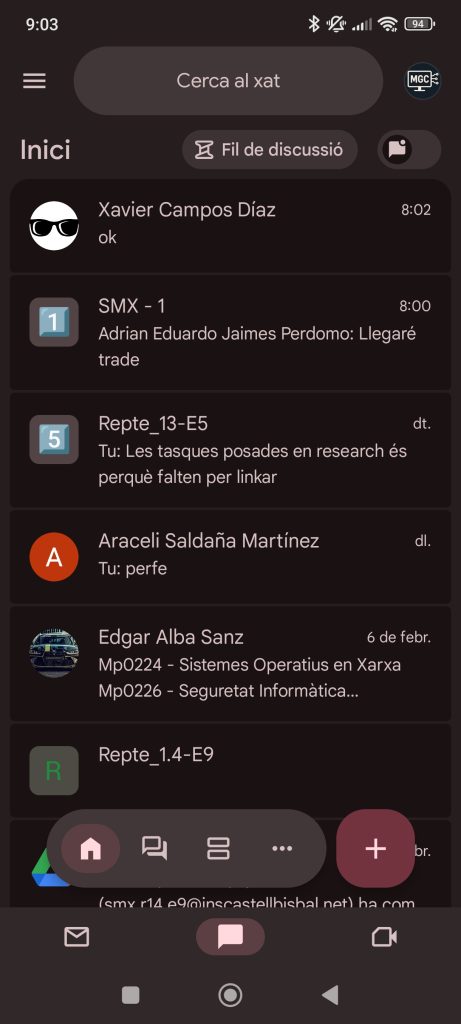
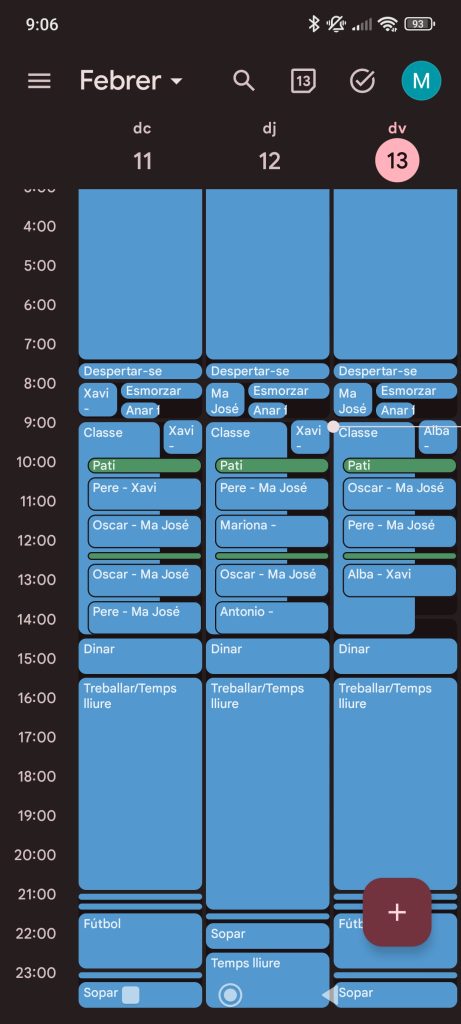
I simply logged in with my corporate email account and I have access to all the Gmail tools.
How to do it:
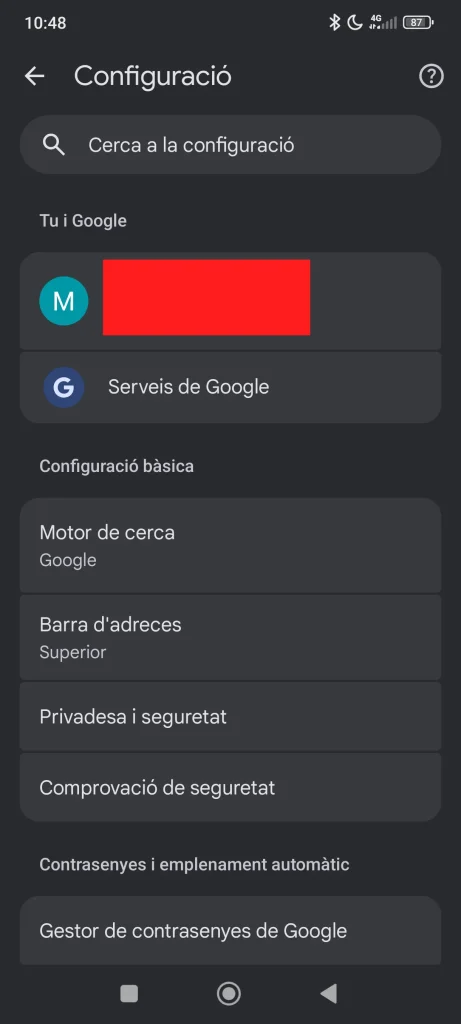
To log in, go to Google and click on your profile picture as shown in the following image:
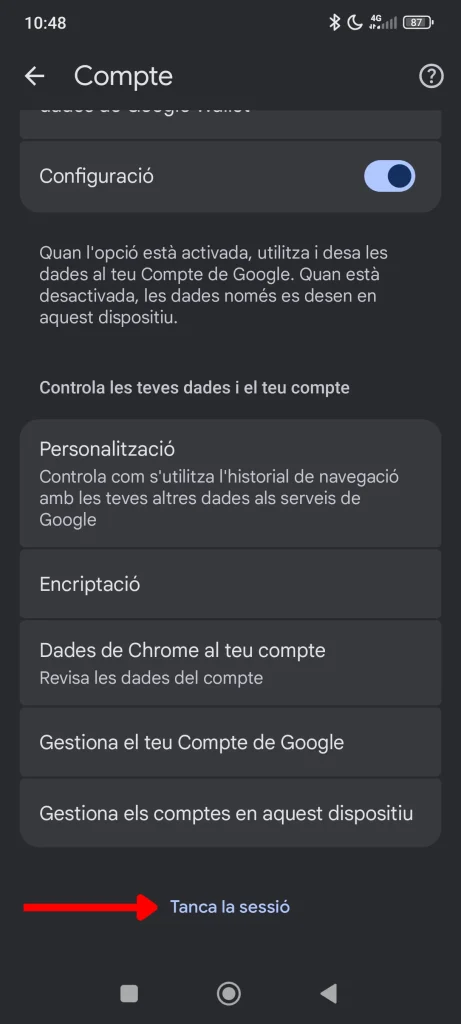
To login Once here we have to go down and at the bottom of everything there is a button that says “close session”.
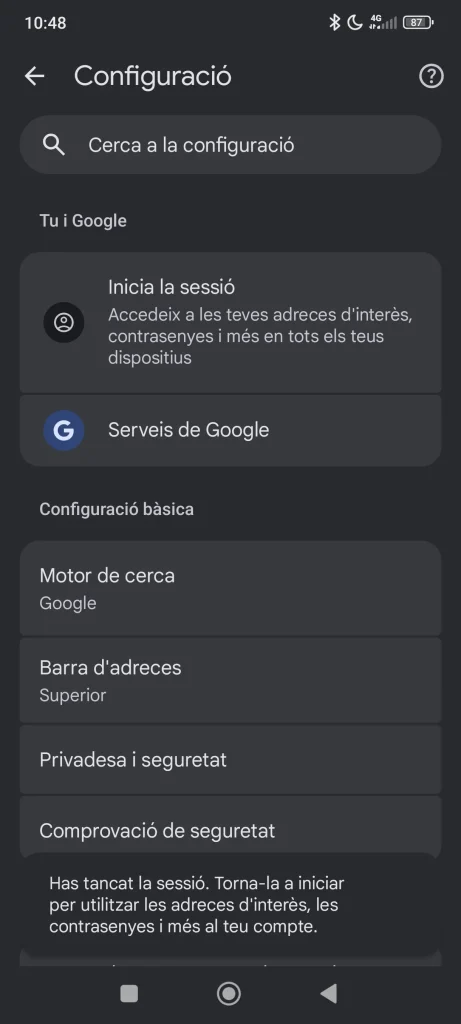
Once you have logged out, you must click on “Log in”.
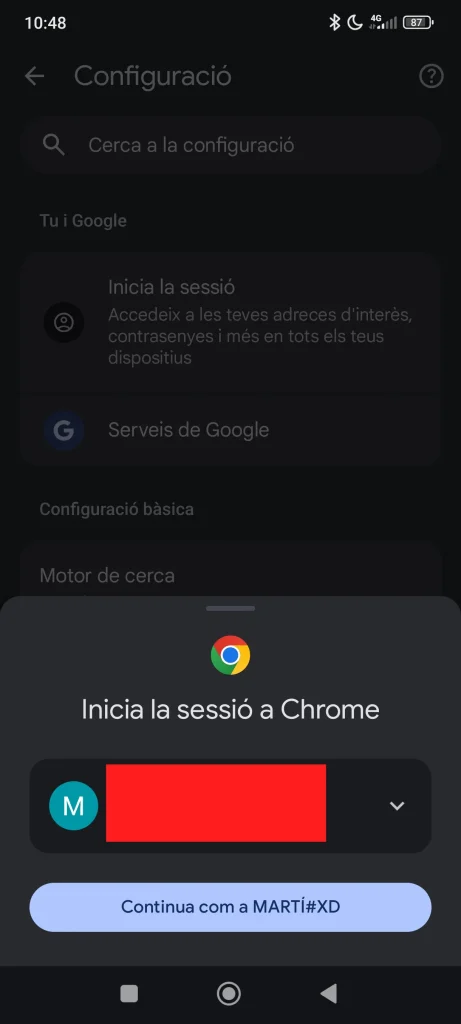
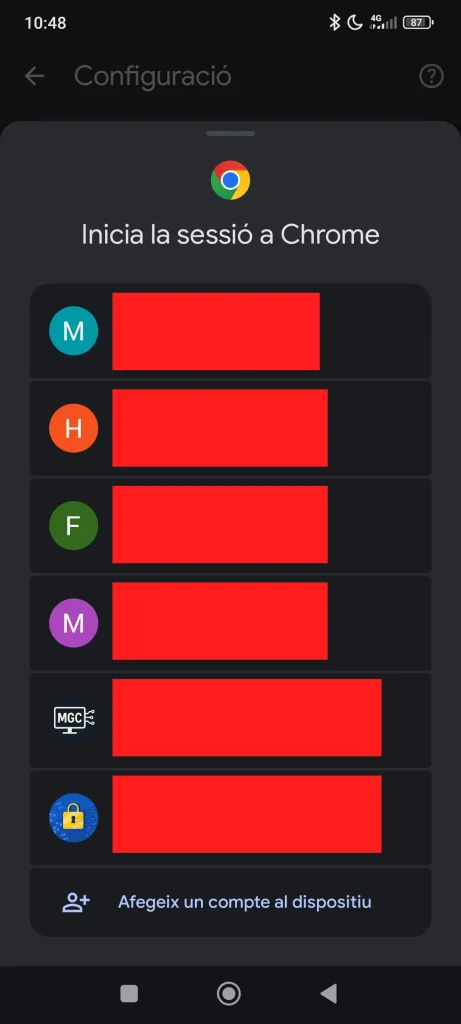
When you click, a menu opens where your old logged in session appears, but if you click on the arrow on the right you can select another account or add a new one by clicking on “Add an account to the device”.
Now i have access to all i need.